Digital Download
Business Card Mockup Collection | L'Essentiel Series Vol. 01
$7.00 $10.00
Description
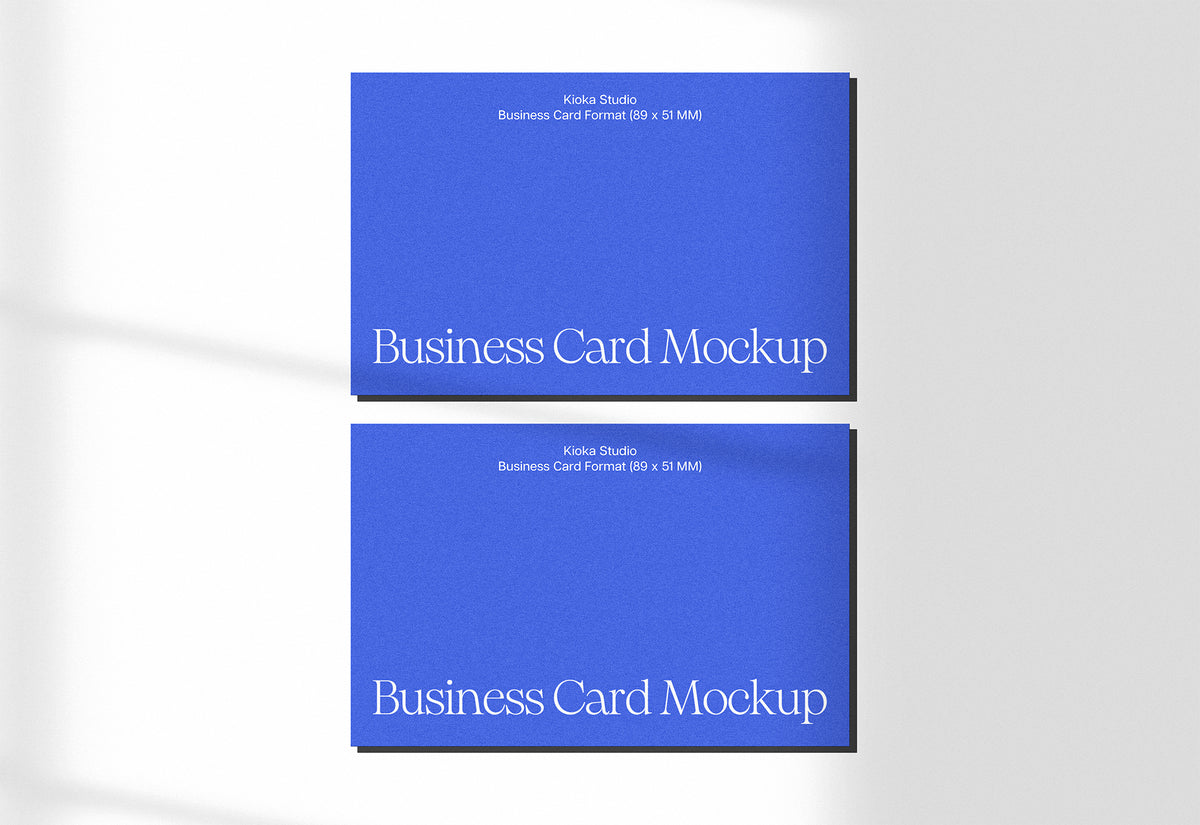
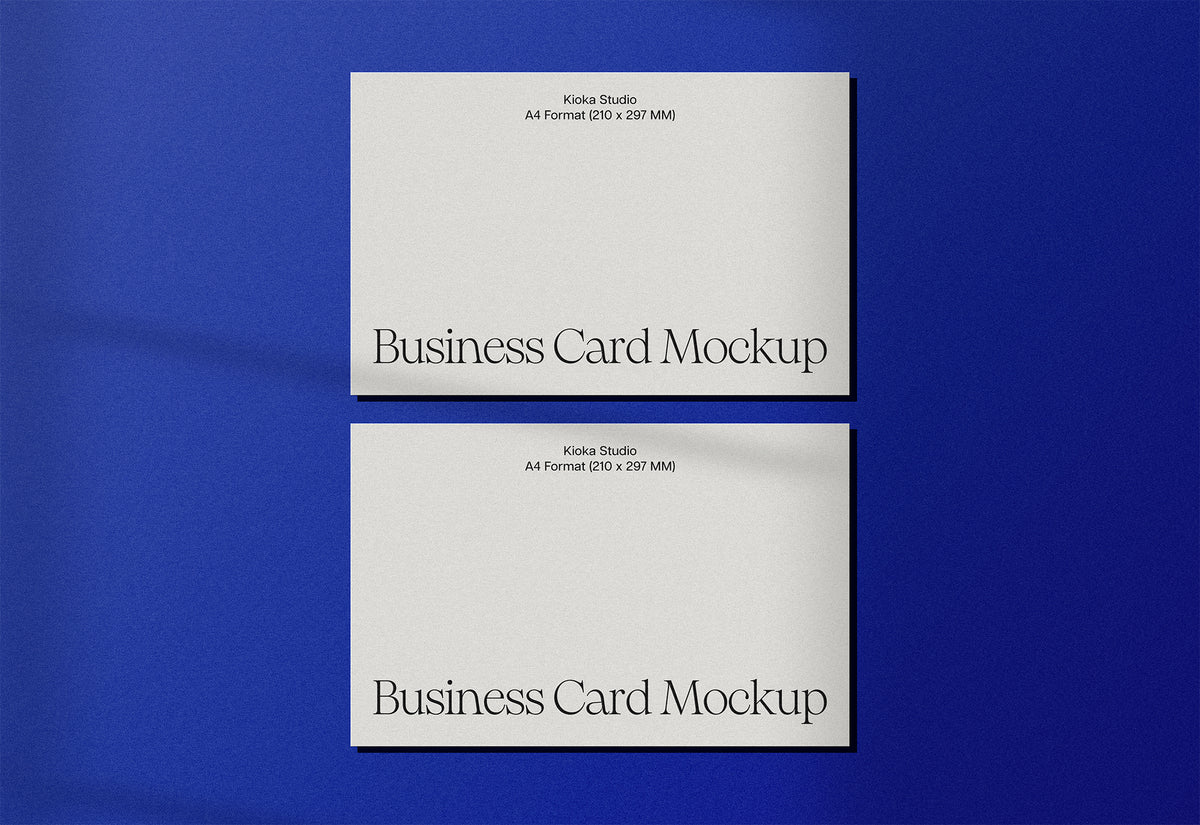
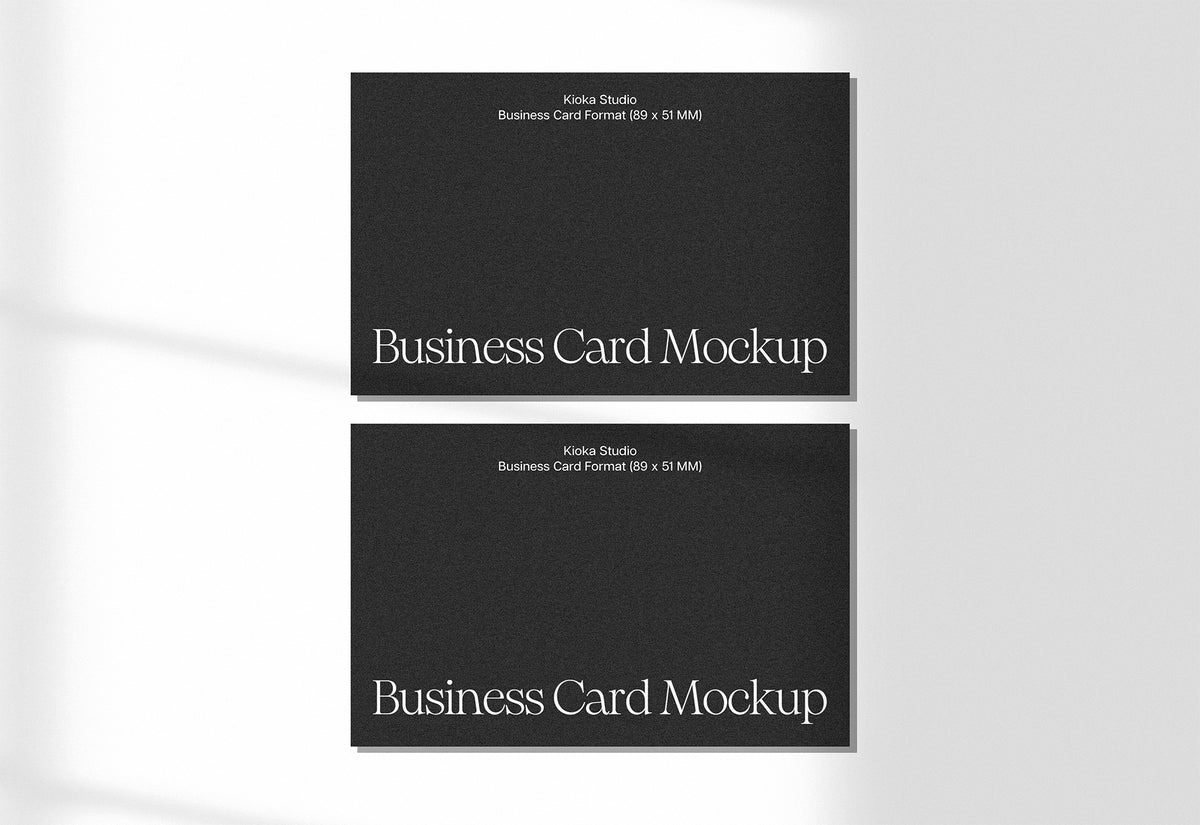
Present your business card designs with this premium dual-view mockup featuring front and back, natural window shadow, adjustable paper textures and a white wall background.
FILE SPECIFICATIONS
- Dimensions: 6400 x 4400 px
- Resolution: 72 PPI
- Color mode: RGB / 8-bit
- Format: Adobe Photoshop (.PSD)
WHAT'S INCLUDED
- 1 high-resolution PSD file with layers organized in English
- 2 editable Smart Object layers (front card + back card)
- 3 adjustable paper texture layers per card (High, Soft, Medium)
- Natural window shadow
- Editable background color with gradient and surface textures
- License Agreement (PDF)
- README with layer map and instructions
IDEAL FOR
- Branding and corporate identity presentations
- Business card design presentations
- Stationery set mockups (pair with Envelope and A4 Mockups)
- Portfolio pieces on Behance and Dribbble
- Print design studios and freelancers
HOW TO USE
1. Open the PSD in Adobe Photoshop (CC 2019 or later).
2. Double-click "Front — Your Design Here" to edit the front.
3. Double-click "Back — Your Design Here" to edit the back.
4. Save and close — your design appears with realistic textures and shadows.
5. Adjust the paper texture by toggling the Texture layers in each group.
REQUIREMENTS
- Adobe Photoshop CC 2019 or later
LICENSE
Choose between a Personal License or a Commercial License. See the included License Agreement.
SUPPORT
Questions? Write to us at studiokioka@gmail.com